How to Set Up WhatsApp Cloud API for Chatbridge Part 3
In the previous article, we configured sending messages via WhatsApp Cloud API.
Final Step: Privacy Policy and Go Live
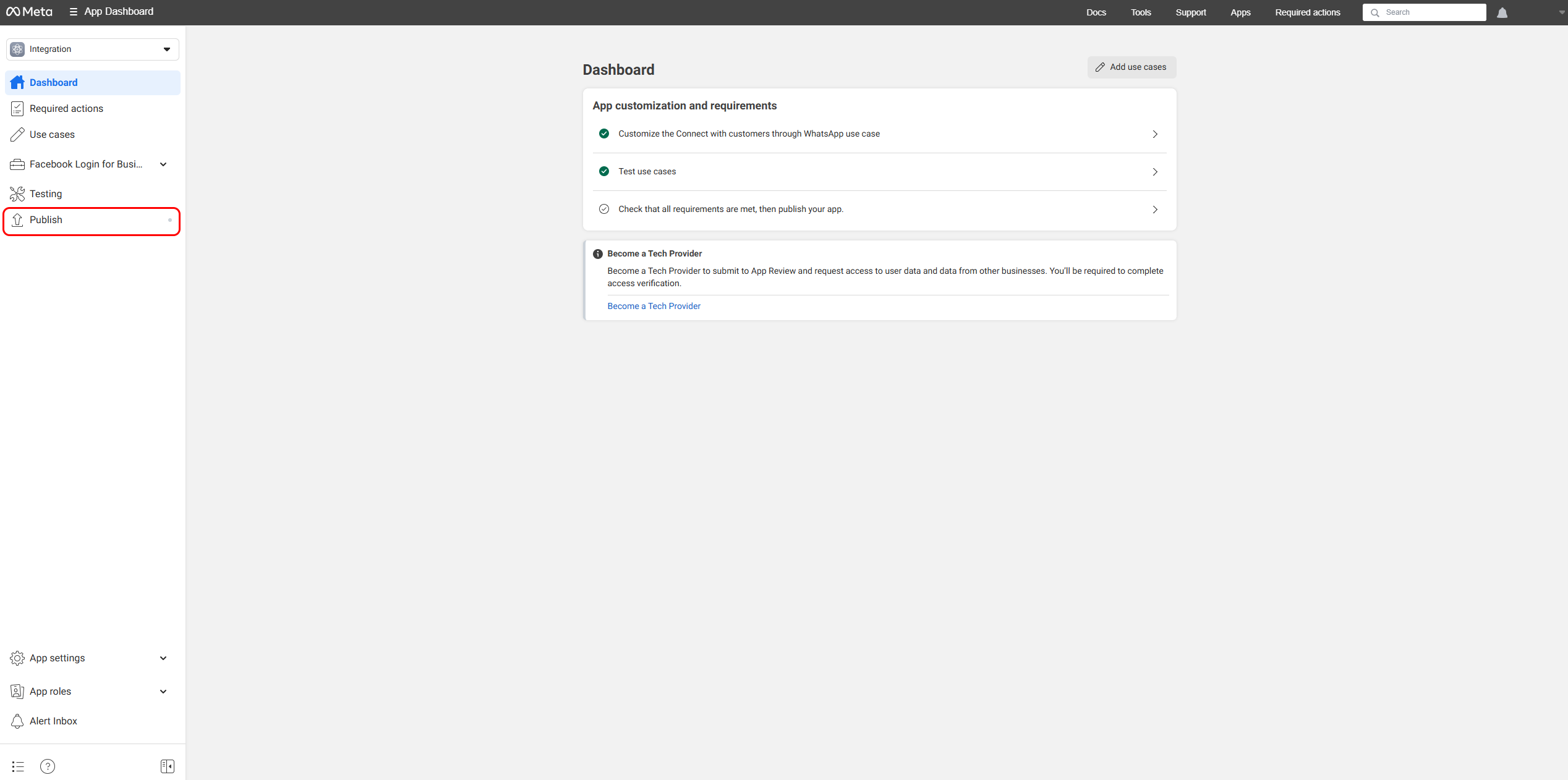
- Go to the Meta Developer Console and choose your app.
- Click Publish.
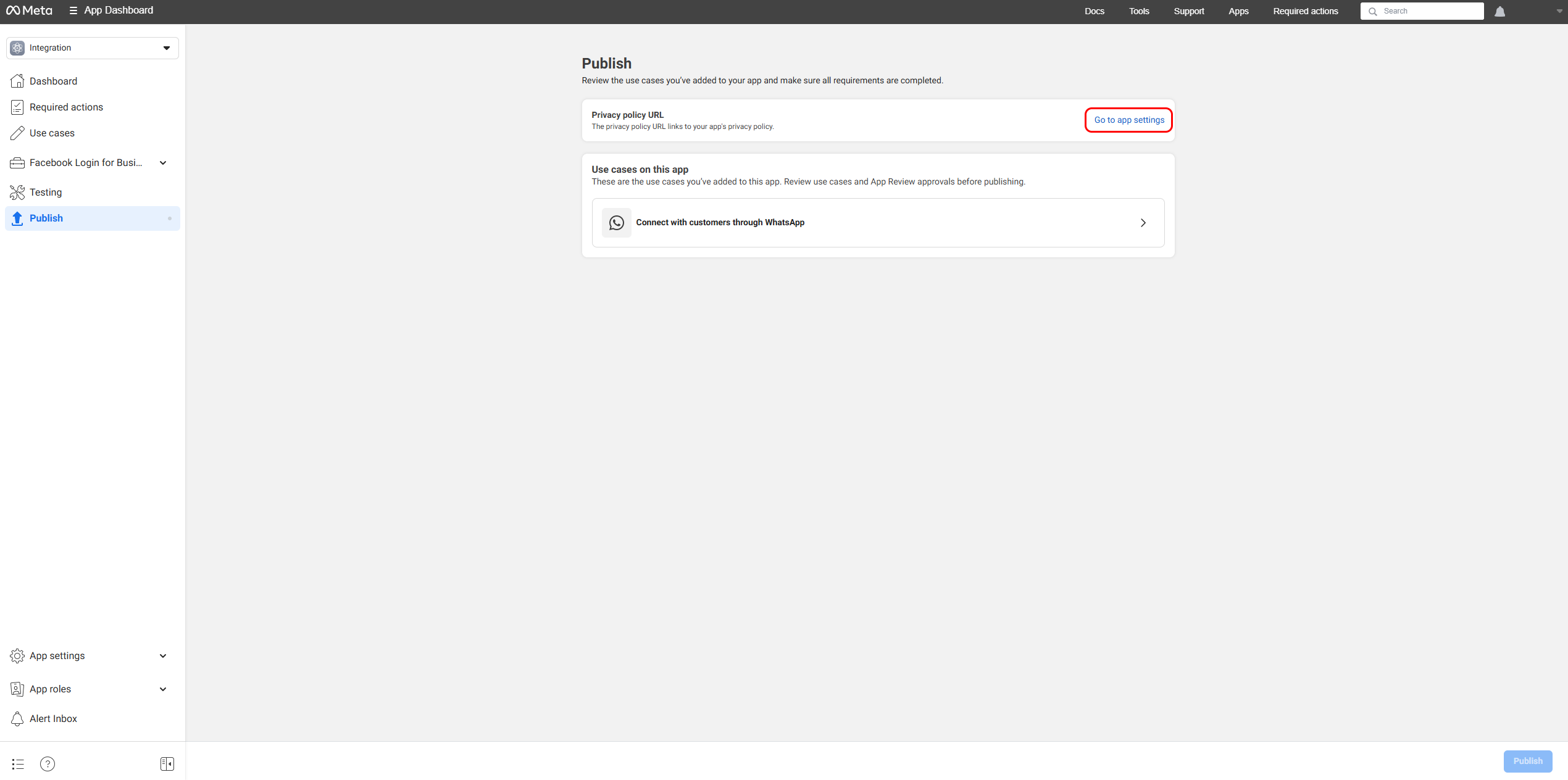
- On the next page, open App settings.
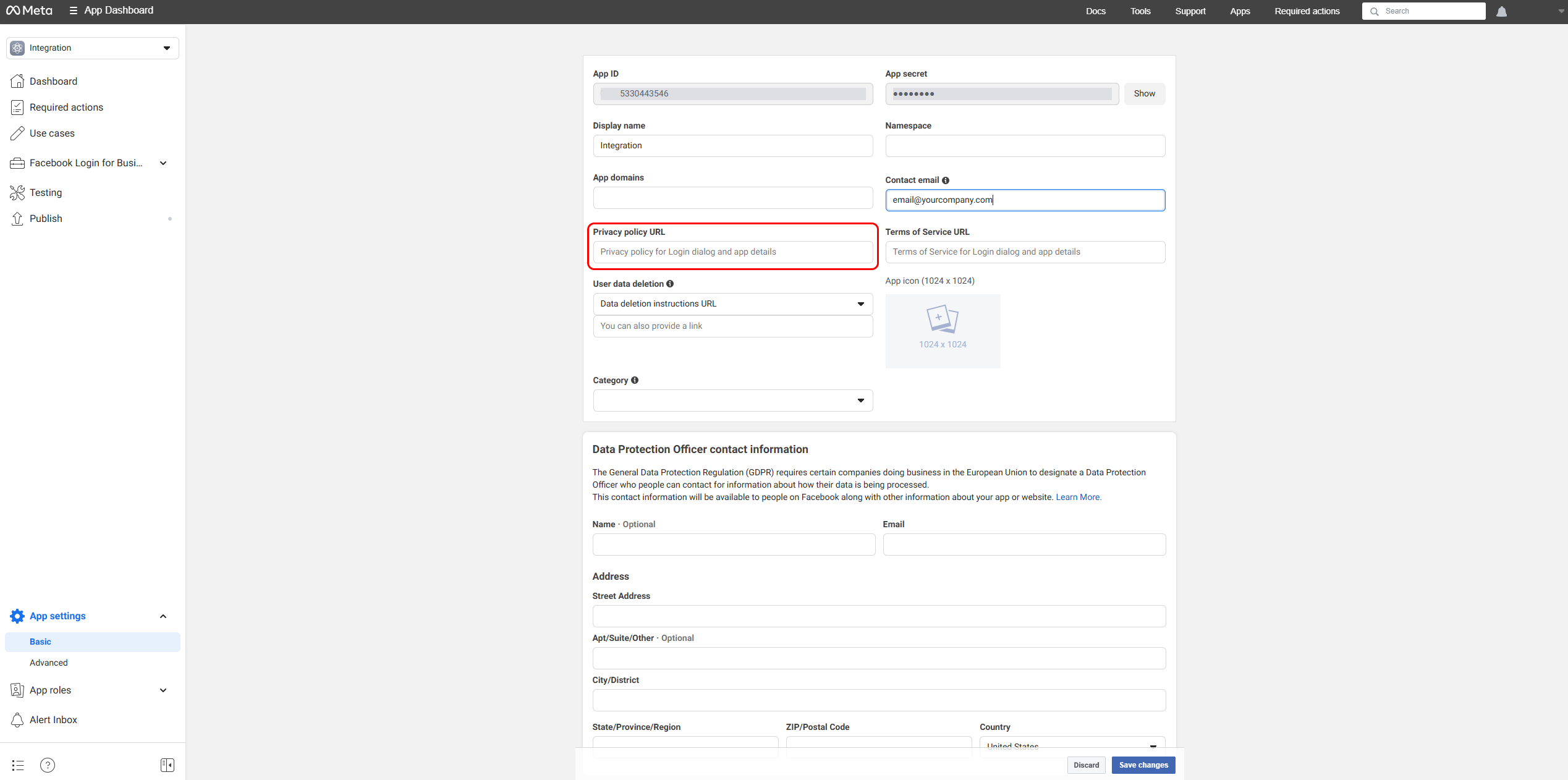
- Provide a link to your Privacy Policy and save the changes.
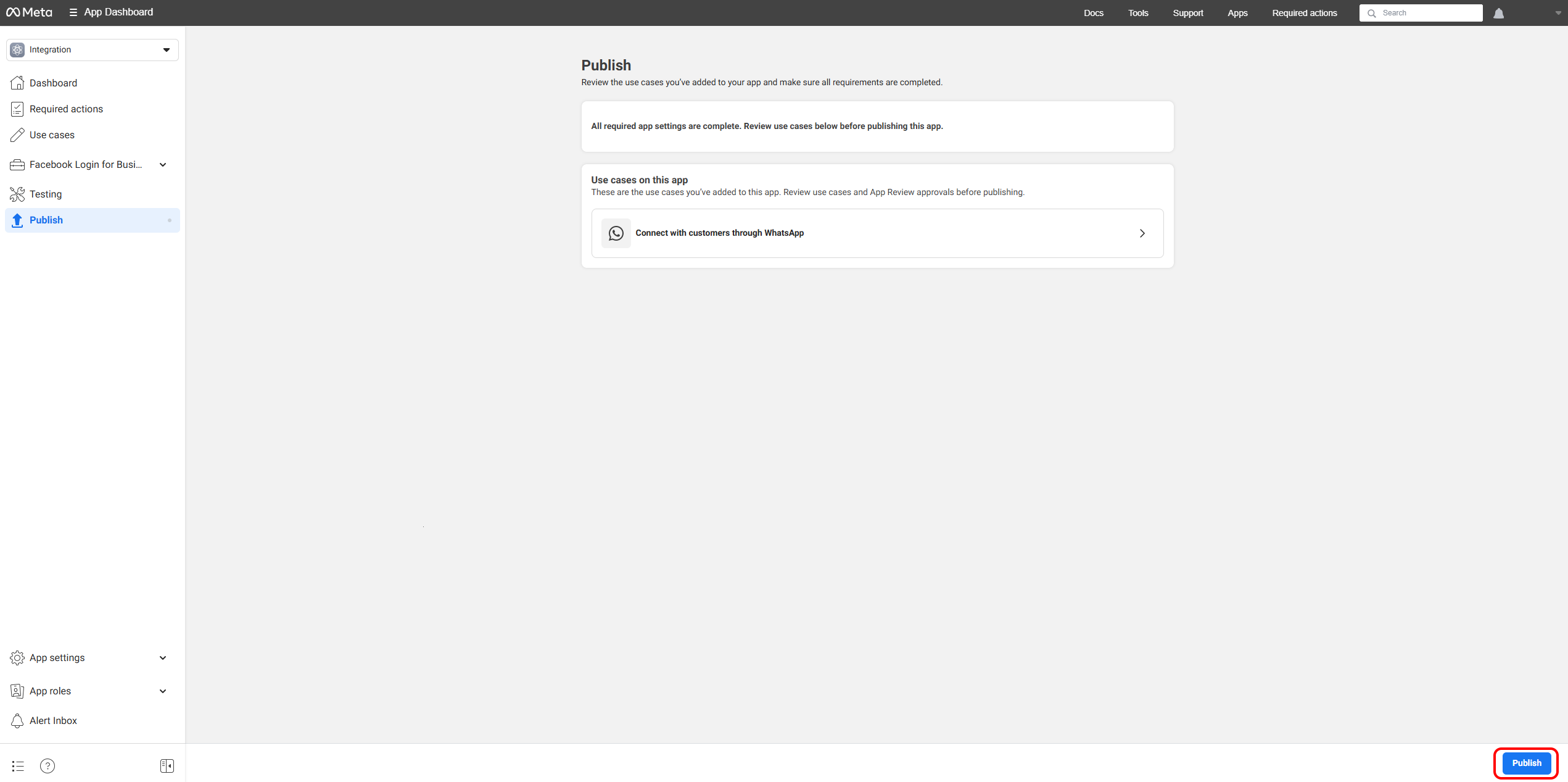
- Return to the Publish page and click the publish button to submit the app.
Success
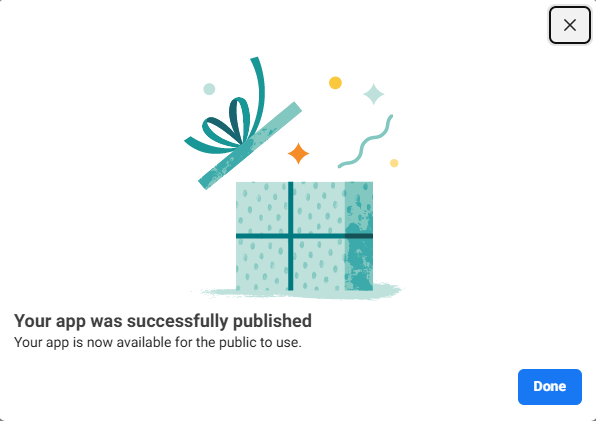
Congratulations! Once your business and phone number are verified and your app is published, you can start using ChatBridge for JSM and WhatsApp integration in a live environment.
Setting this up takes time and effort, but once published, the integration is ready for production use.
info
If you need to update the privacy policy or app settings later, return to the Meta Developer Console and edit the app configuration.